Getting Started
Xmind Basics
Enriching a Topic
Styling Mind Maps
Applying Global Format
Browsing and Viewing
Working with Files
Sharing and Collaborating
Managing Your Team
Mind Mapping with Xmind AI
Exploring Advanced Features
Questions You May Ask
Home
/
Create with AI
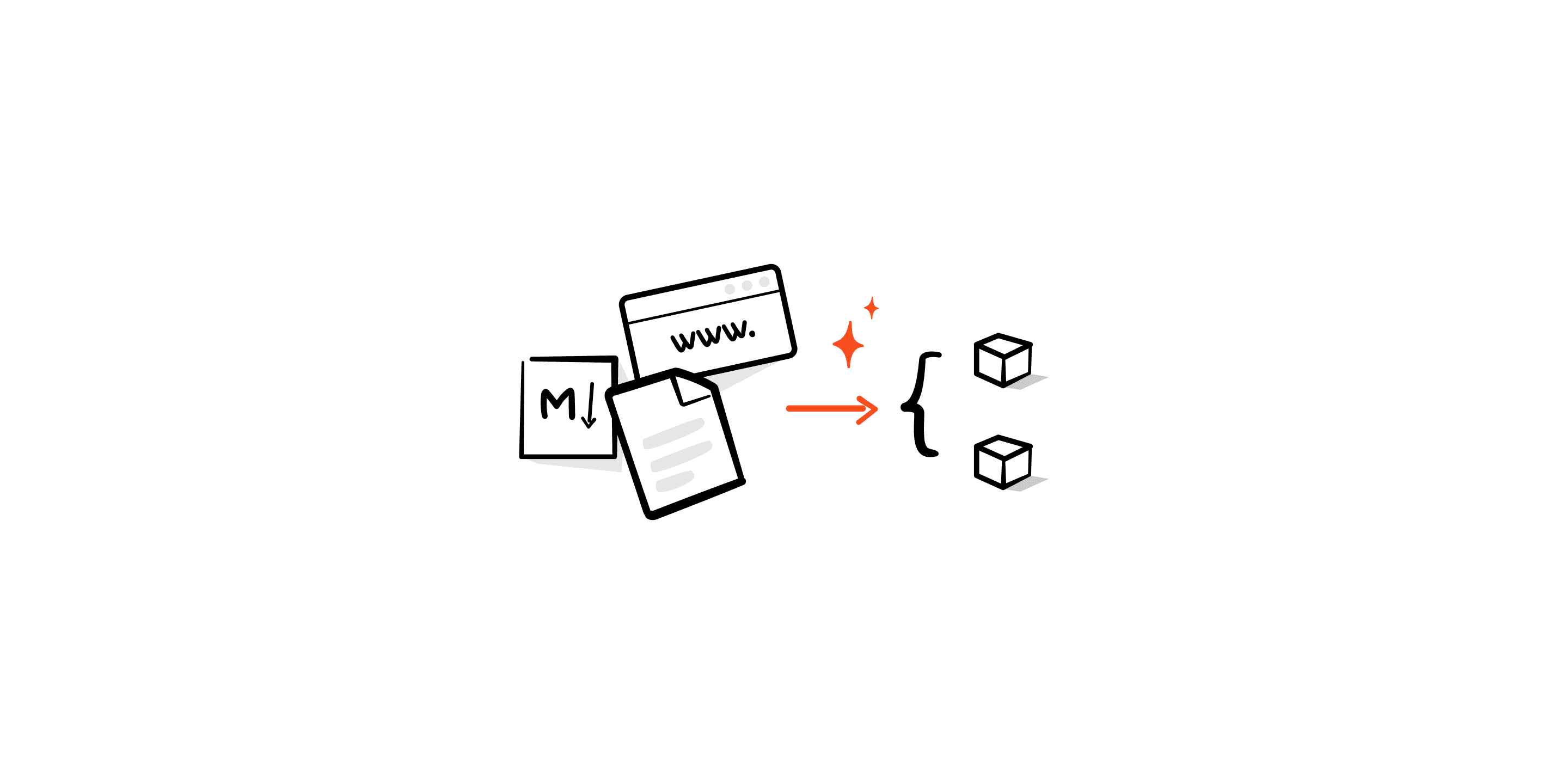
Generate a mind map from a short text, or summarize any document, website, or YouTube video into a structured mind map.
View All
Brainstorming Hub
Whether you’re working solo or with a team, Brainstorming Hub lets you explore ideas through 5 AI brainstorming modes, then turns your thoughts into a structured mind map with just one click.
Grow Ideas
Grow Ideas helps you expand any topic or subtopic within your mind map. It’s a quick way to deepen your thinking, uncover new angles, and keep your ideas moving forward with clarity.
AI Work Breakdown
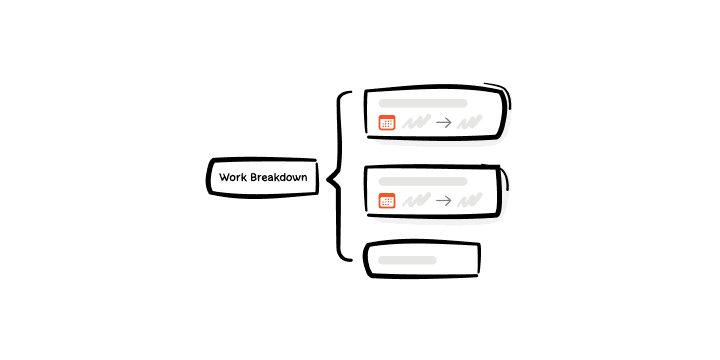
AI Work Breakdown helps you quickly turn a project idea into a structured plan with subtasks, priorities, and timelines automatically generated based on your input.
AI-generated To-Do
Xmind AI turns your mind map into a clear to-do list, helping you manage and track tasks effortlessly. Just select “To-Do” under Create with AI, and watch your ideas turn into actionable steps.
Thinking
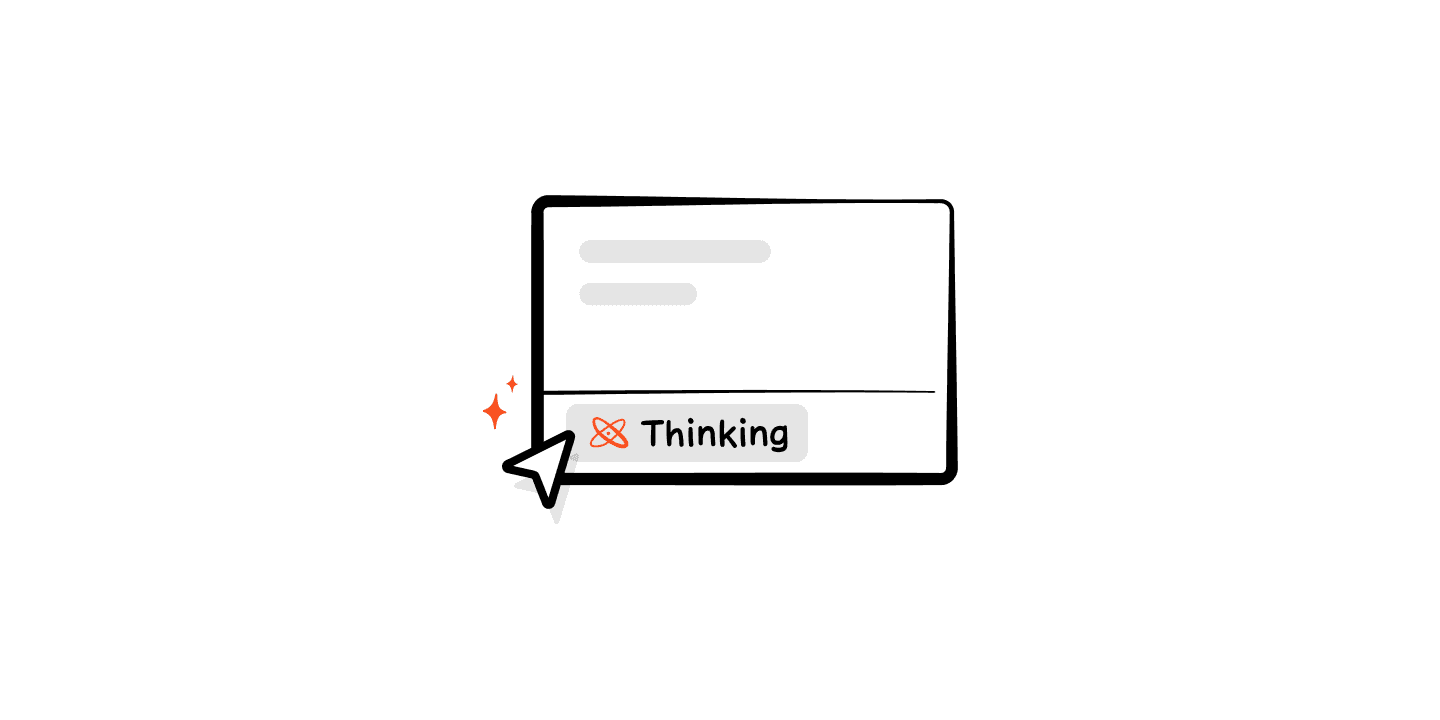
Thinking mode dives into your question, analyzes it thoroughly, and delivers more thoughtful, comprehensive answers. You can witness the thinking process, or add it to your topic as notes.
Map Refine
Map Refine helps complement your mind map by adding related content and reorganizing it for improved completeness. You can also provide tips to tailor the refinement process to your specific needs.
Reorganize Mind Map
When your mind map gets messy after a big brainstorm, Reorganize helps tidy it up in one click, turning scattered thoughts into a clear, structured map.
Quick Explain
AI Explain lets you search for information related to your selected topic directly within your mind map, no need to open a new browser tab. The AI-generated explanation can be added as a note and viewed in context.
Data Masking
Data Masking keeps your information secure by automatically hiding parts of sensitive text and replacing them with asterisks(e.g., ***). This feature is designed to prevent data leakage and protect your privacy when working with or sharing mind maps.
Features
Solutions
Download
Pricing
Resources
Contact Sales
Sign In
Sign Up